
How to Compress a PDF for Free (So It Fits in an Email)
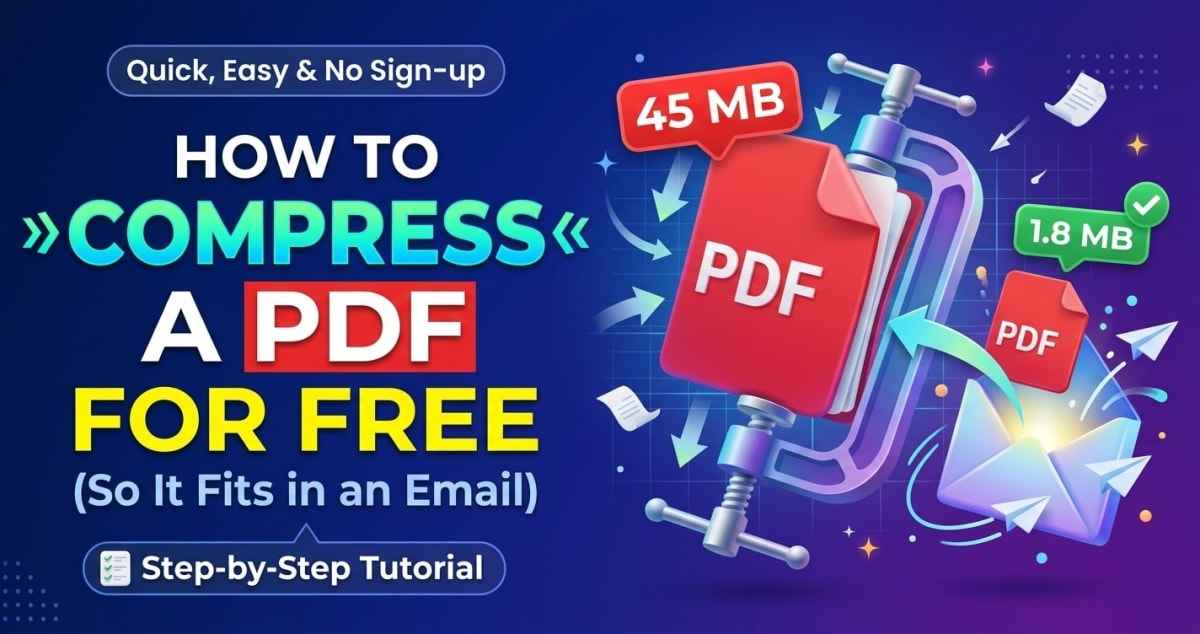
Almost everyone has met the same wall: you go to email a PDF and it bounces back because it's too big. Gmail caps attachments at 25 MB, Outlook is often around 20 MB, and a photo-heavy scan can blow past that without trying. The good news is that most oversized PDFs can be shrunk dramatically with almost no visible quality loss, for free.
Understanding why PDFs get large in the first place makes the fix obvious.
How to compress a PDF quickly
To compress a PDF for free: open a compressor tool, add your PDF, let it re-optimise the contents, and download the smaller file. A good compressor can often cut a document to a fraction of its original size while keeping it perfectly readable.
Our free Compress PDF tool runs in your browser, so the document isn't uploaded anywhere. You add the file, it reduces the size on your device, and you download the result, no account, no watermark.
Why PDFs get so big (it's usually the images)
Text is tiny. A hundred pages of pure text is a small file. What bloats a PDF is almost always images, especially scanned pages and high-resolution photos, which are stored at far more detail than a screen or a printed page actually needs.
A phone photo can be several megabytes on its own; drop a few into a PDF and the file balloons. This is why a five-page scanned contract can somehow be larger than a hundred-page text document. Once you know images are the culprit, compression makes sense.
How compression shrinks the file
A PDF compressor mainly works on those images. It re-encodes them at a sensible resolution and quality level, high enough to look clean on screen and in print, but without the wasteful excess detail. It can also clean up redundant data inside the file.
Because screens and standard printers can only show so much detail, you can usually remove a lot of image data before your eye can tell. That's why compression often cuts file size substantially while the document still looks essentially identical.
Getting under the email limit
If your goal is simply to email the file, aim comfortably under the recipient's limit, targeting around 10 MB is a safe bet for most inboxes. If a compressed PDF is still too big, you have options: compress a bit more aggressively, or split the document and send it in two parts.
For scanned documents specifically, scanning in black-and-white or grayscale rather than full colour (when colour isn't needed) produces a much smaller file from the start, worth remembering next time you scan.
Keep it private while you're at it
The documents people compress to email are often contracts, statements and forms, the sensitive kind. Many online compressors upload your file to do the work, which means a copy sits on their servers.
A browser-based compressor avoids that: the file is optimised locally and never transmitted. If you're also emailing photos, the same logic applies, an image compressor shrinks those privately too, and removing EXIF metadata first keeps your location out of them.