
How to Create a Professional Invoice for Free (No Sign-Up)
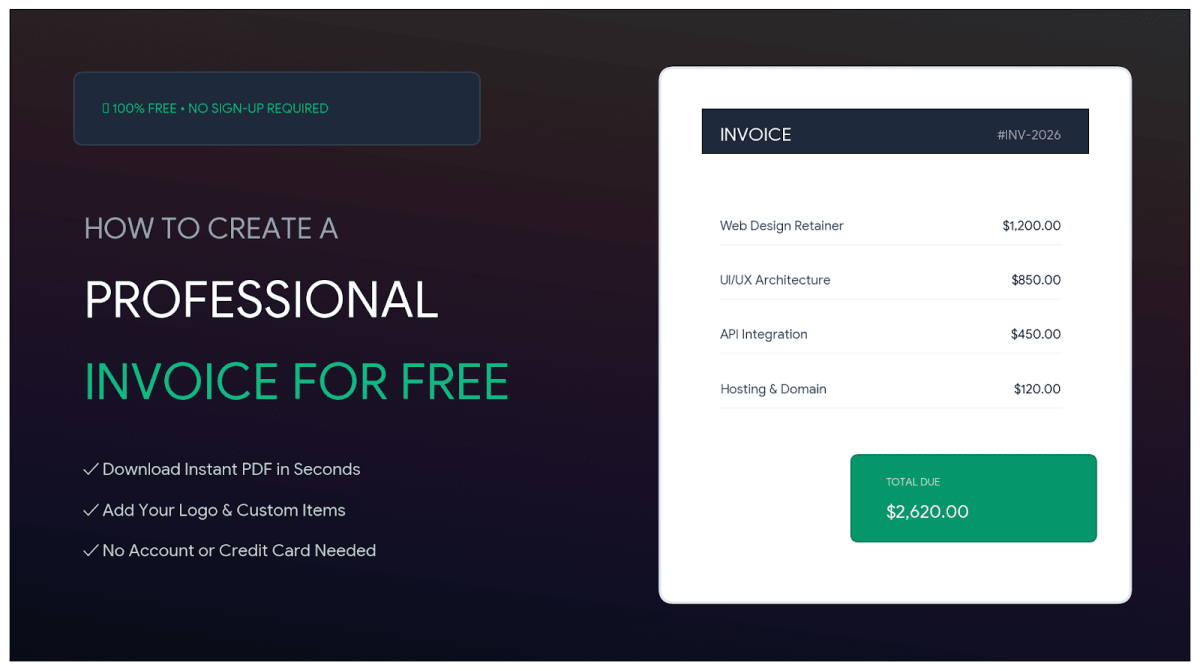
If you freelance or run a small business, the invoice is the least glamorous and most important document you'll ever send, it's the thing that actually gets you paid. And yet so many invoicing tools want you to sign up, start a trial, and hand over your email before you can create a single one. You don't need any of that to send a professional invoice.
Late payment is one of the most commonly cited cash-flow headaches for freelancers and small firms, and a surprising amount of it comes down to invoices that are unclear, missing details, or slow to arrive. A clean, complete invoice sent promptly is one of the simplest ways to get paid on time.
How to make a free invoice without an account
To create a professional invoice for free with no sign-up: open an invoice generator, fill in your details and your client's, add line items with quantities and prices, and download it as a PDF to send. No account, no subscription.
Our free Invoice Generator works entirely in your browser, you type in the details, it calculates the totals and produces a clean PDF, and nothing is uploaded or stored on a server. Your client and pricing information stays on your device.
What every invoice must include
A professional invoice isn't complicated, but leaving out a field is a classic reason payments stall. Make sure yours has:
- The word 'Invoice' and a unique invoice number (so both sides can reference it).
- Your name/business and contact details, and the client's.
- The invoice date and a clear due date.
- Itemised lines: what you did, quantity, rate, and line total.
- The subtotal, any tax, and the total amount due.
- Payment terms and how to pay (bank details, etc.).
That unique invoice number matters more than it looks, it's what turns 'did you get my invoice?' into a two-second lookup for your client's accounts team.
Small things that get you paid faster
A few habits reliably shorten the wait. Send the invoice the moment the work is done, not weeks later, momentum matters. Set a specific due date ('Due 14 days from invoice date' or an actual calendar date) rather than a vague 'net 30' that people mentally file under 'later'.
Make paying effortless by including exact payment details on the invoice itself. And keep a consistent numbering system so nothing slips through the cracks. None of this is fancy; it just removes every small excuse for delay.
Why a private, browser-based generator helps
Invoices contain a quiet amount of sensitive data: your rates, your clients' names, sometimes bank details and addresses. Many free invoice apps store all of that on their servers tied to an account.
A browser-based generator keeps it local, you produce the PDF on your device and send it yourself, with nothing retained by a third party. For freelancers who value keeping their client list and pricing private, that's a meaningful difference, and there's no account to manage either.
Keep a copy and stay organised
Whatever tool you use, save a copy of every invoice you send, you'll want them at tax time and if a payment is ever disputed. A simple folder named by year, with files named by invoice number and client, is enough.
If you send the same kind of invoice repeatedly, keep your last one as a template and just update the numbers. Combined with prompt sending and clear due dates, that's genuinely all most small operations need to keep cash flowing.