
How to Build a UTM Link (and Actually Use the Data)
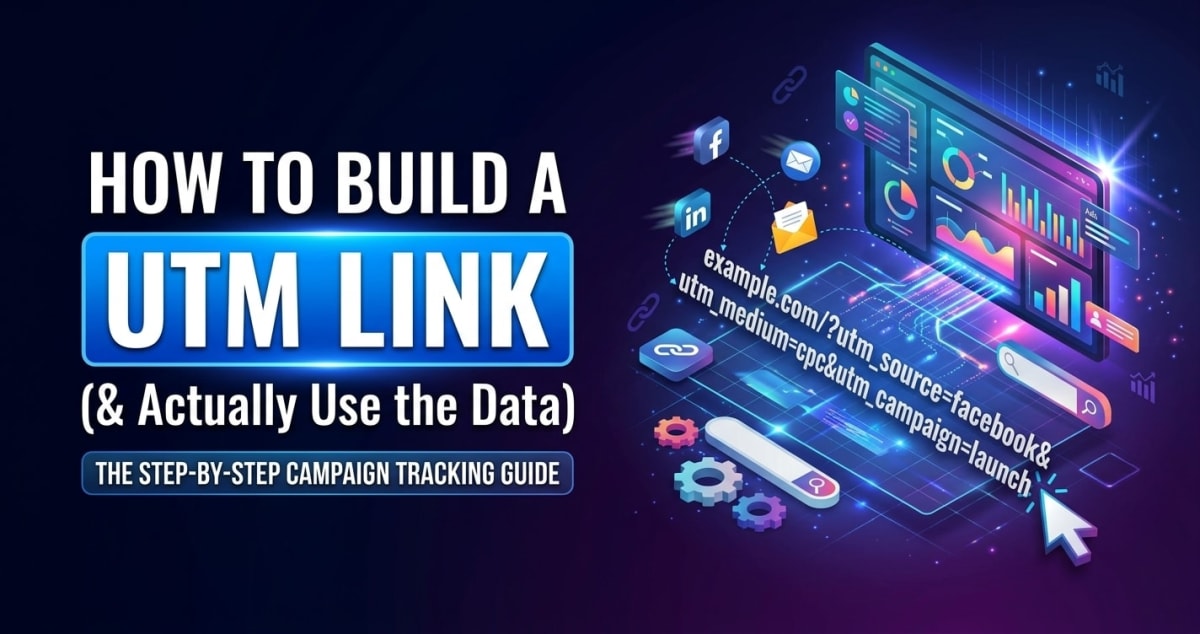
If you've ever wondered which post, email or ad actually sent someone to your site, not guessed, but known, that's exactly what UTM links are for. They're the small tags on the end of a URL that tell your analytics where a visitor came from. They've been around longer than Google Analytics itself: 'UTM' stands for Urchin Tracking Module, named after Urchin, the analytics company Google acquired in 2005 that became Google Analytics.
They look intimidating and they're genuinely simple. Here's how to build one properly and, more importantly, how to keep the data usable.
How to build a UTM link
To build a UTM link: take your destination URL, then add tracking parameters that describe where the link is being shared. The easiest way is to use a UTM builder, you fill in a few fields and it assembles the correct URL for you, so you never have to remember the syntax or worry about a typo.
Our free UTM Builder does exactly this in your browser. Enter your URL and campaign details, and it produces a ready-to-share tracking link you can drop into a post, email or ad.
What the five UTM parameters mean
There are five UTM tags, and you'll mostly use the first three:
- utm_source, where the traffic comes from (e.g. newsletter, twitter, google).
- utm_medium, the type of channel (e.g. email, social, cpc).
- utm_campaign, the specific campaign or promotion (e.g. spring_sale).
- utm_term, optional, used for paid keywords.
- utm_content, optional, to tell apart two links in the same place (e.g. header_button vs footer_link).
Source, medium and campaign are the backbone. Get those three right and your reports will already tell you most of what you need.
Consistency is the whole game
Here's the mistake that quietly ruins UTM data: inconsistent naming. To analytics, 'Facebook', 'facebook' and 'FB' are three completely different sources, and they'll split your traffic into three meaningless piles.
Pick a convention and never deviate. The common rule is: always lowercase, use underscores instead of spaces, and keep a short list of approved names for your sources and mediums. Boring consistency is what turns UTM tags from noise into a report you can actually trust.
When (and when not) to use them
Use UTM links on anything external you control: email campaigns, social posts, paid ads, partnerships, QR codes on printed materials. That's how you find out which channel is really driving results instead of taking credit-guessing.
Don't use them on internal links between pages of your own site, UTM tags there confuse analytics by starting a brand-new 'session source' mid-visit, making your own site look like the referrer. Keep UTMs for traffic arriving from outside.
Turn the data into decisions
The point of all this isn't tidy links, it's better decisions. Once traffic is tagged, your analytics can show which source and campaign brought visitors, and (if you track goals) which ones actually led to signups or sales. That tells you where to spend more time and money, and where you're wasting both.
Start small: tag your newsletter and your main social channel, watch the numbers for a few weeks, and expand from there. Even that minimal setup usually reveals at least one surprise about where your audience really comes from.